New Lab Analytics Dashboards, With Options for Every Plan
New Analytics dashboards in Confident LIMS: turnaround time, test-result trends, client activity, benchmarks, unpaid order balances. Options on every plan.
READ MORE
Modern LIMS inventory management keeps labs audit-ready with automated audit trails, traceability, and compliance controls. Learn how to reduce audit risk.
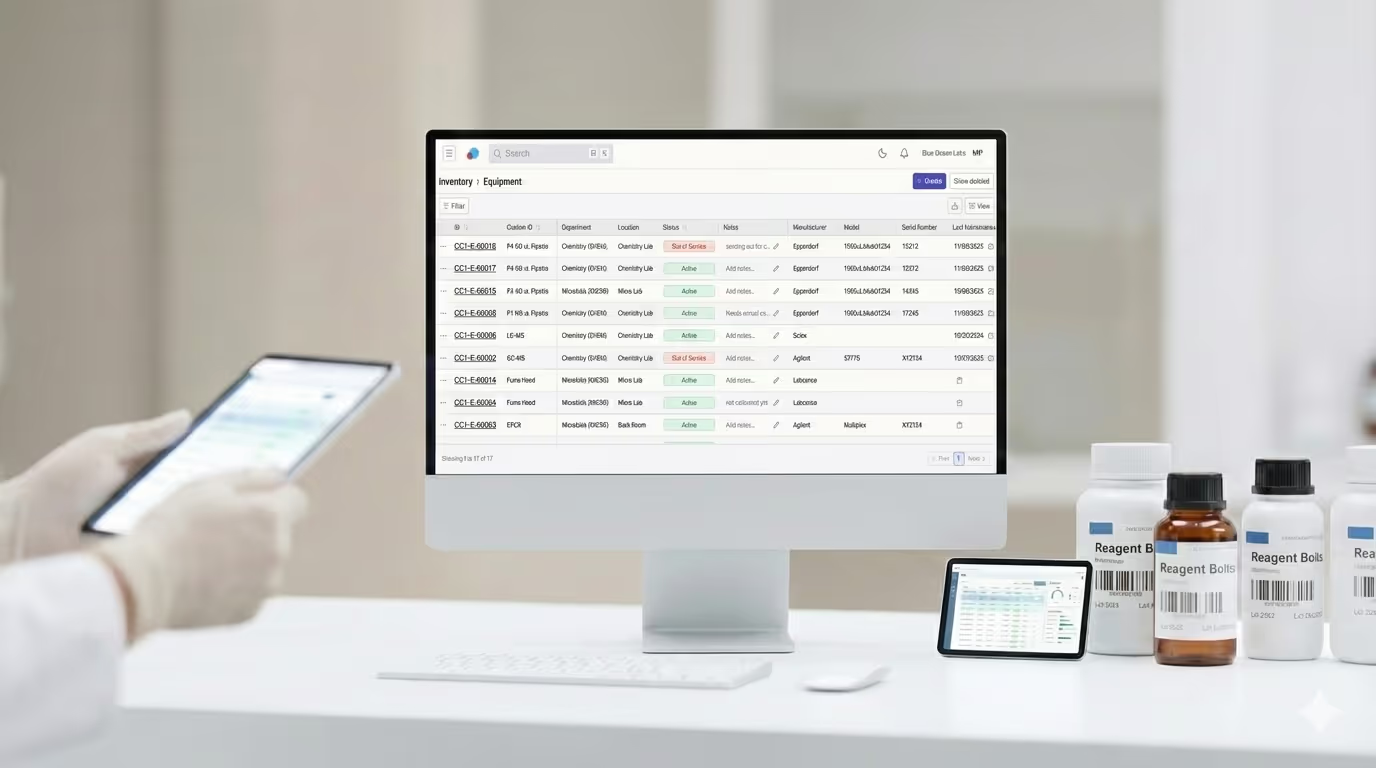

Laboratory inventory management is a compliance requirement—not just an operational task. Modern LIMS inventory management helps analytical laboratories stay audit-ready by centralizing records, automating audit trails, and maintaining full traceability for equipment and consumables.
If you’ve ever scrambled to locate calibration certificates, lot numbers, or expiration dates when auditors arrive, you already know the problem. Regulatory expectations are high, documentation must be precise, and manual inventory tracking systems rarely hold up under scrutiny.
For analytical testing labs—whether in cannabis, food, environmental testing, or pharmaceuticals—inventory management directly impacts compliance, audit outcomes, and daily lab efficiency.
Laboratory inventory management ensures that every piece of equipment, reagent, and reference material used in testing is properly documented, traceable, and compliant with regulatory standards.
Accreditation and regulatory frameworks such as ISO/IEC 17025, GMP, and state-level cannabis regulations require labs to maintain:
When auditors request documentation, labs must produce accurate records immediately. Missing or incomplete inventory data can result in audit findings, corrective actions, or even loss of accreditation.
Spreadsheets, paper logs, and disconnected systems create gaps in traceability. When inventory records live in multiple places, labs spend hours:
This reactive approach increases audit stress and pulls staff away from core testing work.
Beyond compliance, effective inventory management helps labs:
In short, inventory management impacts both regulatory readiness and operational performance.
A compliance-ready inventory management system shares several core characteristics that simplify audits and improve lab efficiency.
All equipment, consumables, and related documentation should live in a single system. Centralization eliminates the need to cross-reference multiple tools during audits.
Every inventory action—creation, update, status change—should be logged automatically with timestamps and user attribution. This removes reliance on manual logbooks and supports data integrity expectations.
Calibration certificates, COAs, SOPs, and maintenance records should be stored directly with the associated inventory item for instant retrieval.
Clear visibility into whether items are in stock, active, inactive, or retired ensures expired or out-of-service items are never used in testing.
Tracking expiration dates, calibration due dates, and maintenance schedules allows labs to stay proactive rather than reacting to audit findings.
Confident LIMS Inventory Management was designed specifically for analytical testing laboratories that operate in highly regulated environments .
Instead of managing inventory in a separate system, Confident integrates inventory management directly into the LIMS—where samples, results, and compliance workflows already live.
Each inventory item receives a system-generated unique identifier to ensure complete traceability. Labs can also add custom IDs to match existing internal numbering systems.
Every inventory change is logged automatically, including:
Audit logs can be exported to CSV for reporting or regulatory review, ensuring transparency and accountability.
Upload and store:
All documentation remains linked to its inventory item, making audits faster and less disruptive.
Confident LIMS allows labs to:
Labs with multiple testing areas or facilities can assign inventory items by department and physical location, improving visibility and accountability.
Inventory tables support filtering and sorting by:
Labs can update quantities, add notes, and make changes directly from the table—without opening individual records.
Labs using Confident LIMS Inventory Management report measurable improvements across compliance and operations:
Yes. Inventory records and documentation can be created manually or migrated with assistance from the Confident LIMS team to ensure a smooth transition.
Yes. Confident LIMS provides system-generated unique IDs while also supporting custom inventory IDs to match existing lab systems.
Confident LIMS automatically logs inventory changes, stores calibration and maintenance documentation, tracks expiration dates, and allows easy export of audit logs—key requirements under ISO/IEC 17025.
Consumables automatically move to a Retired status upon expiration. Equipment nearing calibration or maintenance due dates can be filtered and reviewed proactively.
Yes. Audit logs can be exported to CSV, and all associated documentation is downloadable for regulatory review.
As compliance requirements continue to increase, manual inventory tracking becomes unsustainable. Integrating inventory management directly into your LIMS creates a centralized, traceable system that reduces audit risk and improves lab efficiency.
To see how inventory management works inside Confident LIMS, visit:
Let's share!
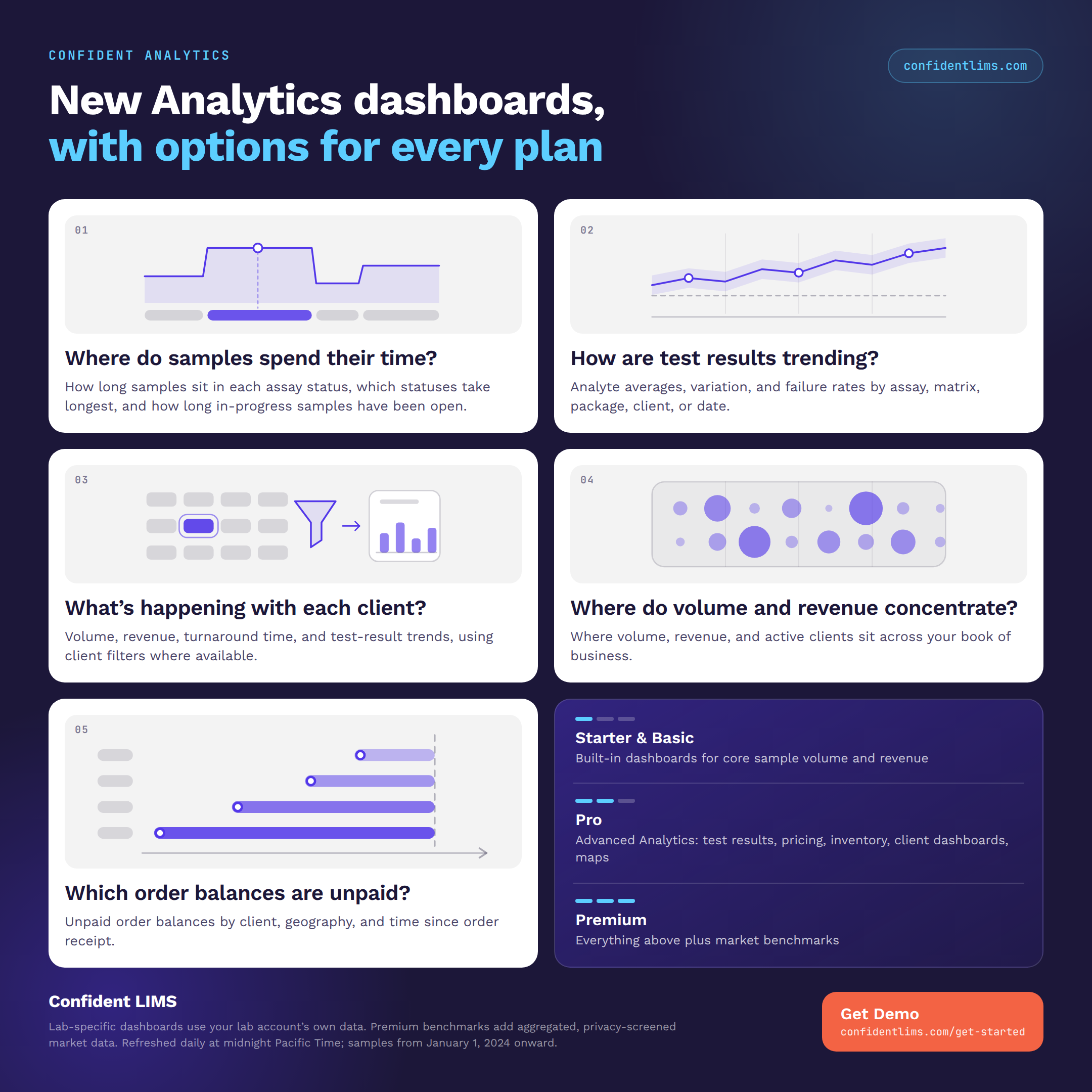
New Analytics dashboards in Confident LIMS: turnaround time, test-result trends, client activity, benchmarks, unpaid order balances. Options on every plan.
READ MORE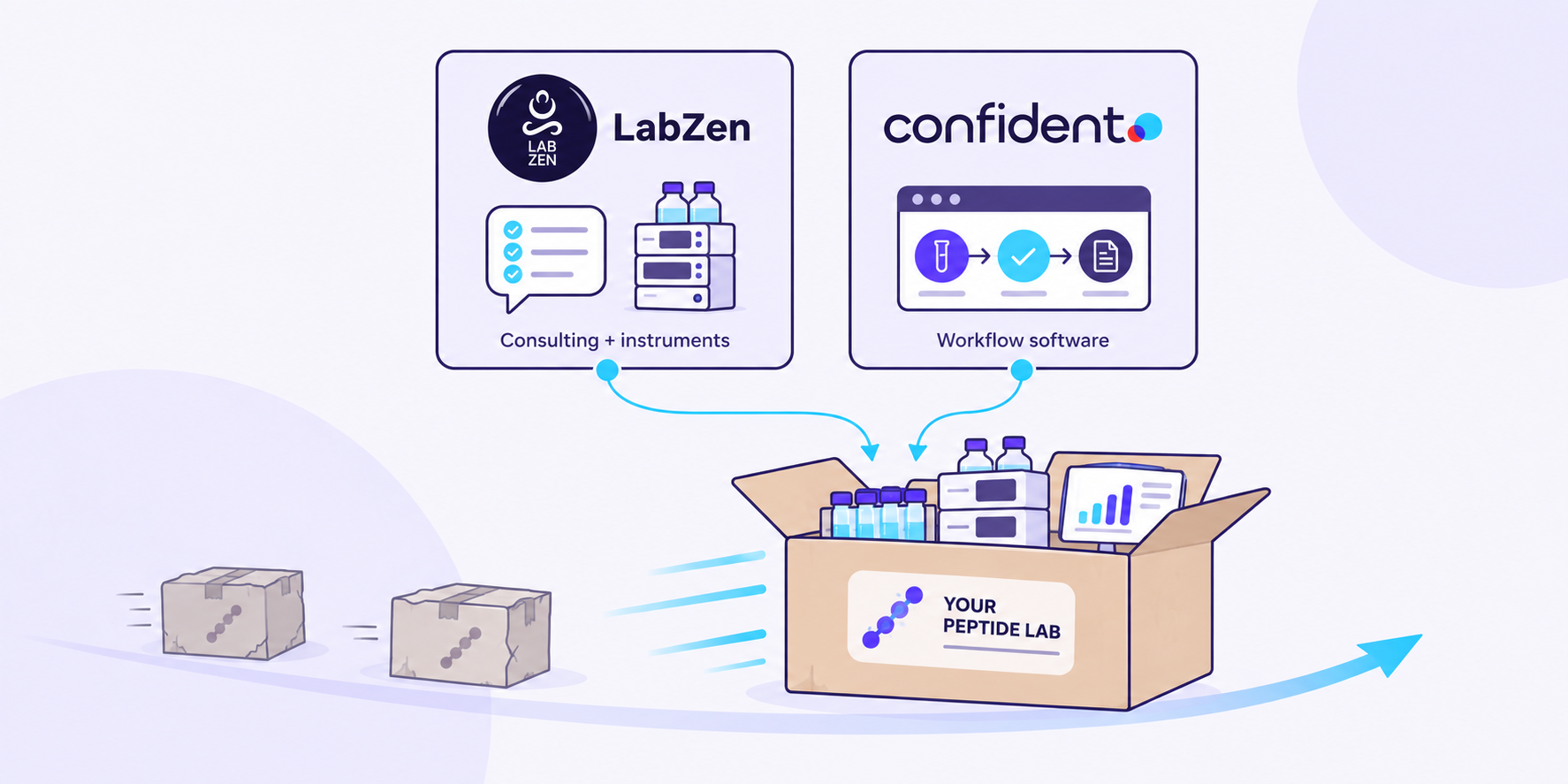
Confident LIMS and Lab Zen are partnering to help peptide labs plan instruments, methods, and the sample-to-COA workflow together.
READ MORE
Analytics dashboards are now live in the Confident Client Portal: free Volume dashboards for everyone, plus 19 advanced dashboards for Client Pro.
READ MORE


