New Lab Analytics Dashboards, With Options for Every Plan
New Analytics dashboards in Confident LIMS: turnaround time, test-result trends, client activity, benchmarks, unpaid order balances. Options on every plan.
READ MORE
See how Confident LIMS automates Metrc workflows and gives licensees real-time results, labels, and analytics through a free client portal. Learn how it works.
.avif)

If your state is rolling out Metrc (like New York), or you’re already using it, your business can dramatically cut manual work by connecting Metrc directly to Confident LIMS. Confident is built to automate the entire flow end-to-end, from creating new lab testing orders from your Metrc manifest to seamlessly uploading test results and COAs to Metrc.
Metrc is the system of record for track-and-trace in many cannabis markets, with more states—including New York—continuing to come online each year. That’s great for regulators, but it adds a lot of complexity for labs and their testing clients:
Without a strong integration, teams often end up manually transcribing data between systems, which slows down turnaround time and increases errors when it comes time for an audit.
A Metrc-ready LIMS removes that friction by treating Metrc as a data source and destination in your everyday workflow.
For more on how a LIMS supports regulated labs generally, you can explore additional posts on the Confident LIMS blog.
Confident already integrates with Metrc in multiple states and is extending that same proven, compliance-first integration wherever Metrc is adopted.
Instead of re-entering data, Confident can:
Your team simply reviews the imported data, applies the right test panels, and gets to work.
Once samples are in Confident:
All of this happens in the LIMS you use every day—Metrc just becomes another part of the sample’s history.
When COAs are approved, Confident makes it easy to keep everyone in sync:
That means fewer missed uploads, fewer status calls, and a cleaner compliance story at audit time.
Metrc integration isn’t only a lab responsibility. Brands, manufacturers, and retailers also need fast and reliable visibility into test results and packaging information.
Confident’s free client portal gives licensees a simple way to work with Metrc-ready labs:
If your current lab isn’t using Confident, clients can still sign up for the portal and invite their lab to connect, ensuring both sides have access to a shared source of truth.
Whether you’re a lab, brand, or vertically integrated operator, there are a few principles that make Metrc compliance more manageable when using Confident:
A compliance-focused LIMS like Confident is designed to check all of those boxes while still being easy for bench scientists and QA to adopt.
If your state is preparing to launch Metrc—or you’re expanding into a new Metrc market—here are questions worth asking internally:
If any of those questions are difficult to answer today, it’s a signal that your lab tech stack may need an upgrade before volumes increase.
You can learn more about modern, compliance-oriented LIMS workflows in the Confident LIMS blog, including posts on sample traceability and audit readiness for regulated labs.
What is Metrc and how does it relate to my lab?
Metrc is a state-mandated track-and-trace system for cannabis. Labs use it to receive manifests from licensees and to report test results and statuses back to regulators.
Do I still need a LIMS if I’m using Metrc?
Yes. Metrc is designed for regulatory tracking, not day-to-day lab operations. A LIMS manages your samples, instruments, workflows, calculations, and QA review, then shares the correct data with Metrc automatically.
How does Confident LIMS integrate with Metrc?
Confident is an official METRC validated Integrator. We have a dedicated integration with the METRC API. Using this, we can pull in incoming Metrc manifests, map them to samples and orders in the LIMS, and push approved results and COAs back to Metrc—and to clients—with a single click.
What can my clients see in the Confident portal?
Clients can see their current and historical results, download COAs, print packaging labels, and track analytics over time. They can also confirm which partner labs are Metrc-ready on Confident.
Is Confident only for cannabis labs?
No! Confident is built to support a variety of testing environments. We are the leader in the cannabis lab industry, but also support industries across the spectrum, from agriculture, food, environmental, and more.
To learn more about other industries we serve, reach out to us to set up a demo.
Let's share!
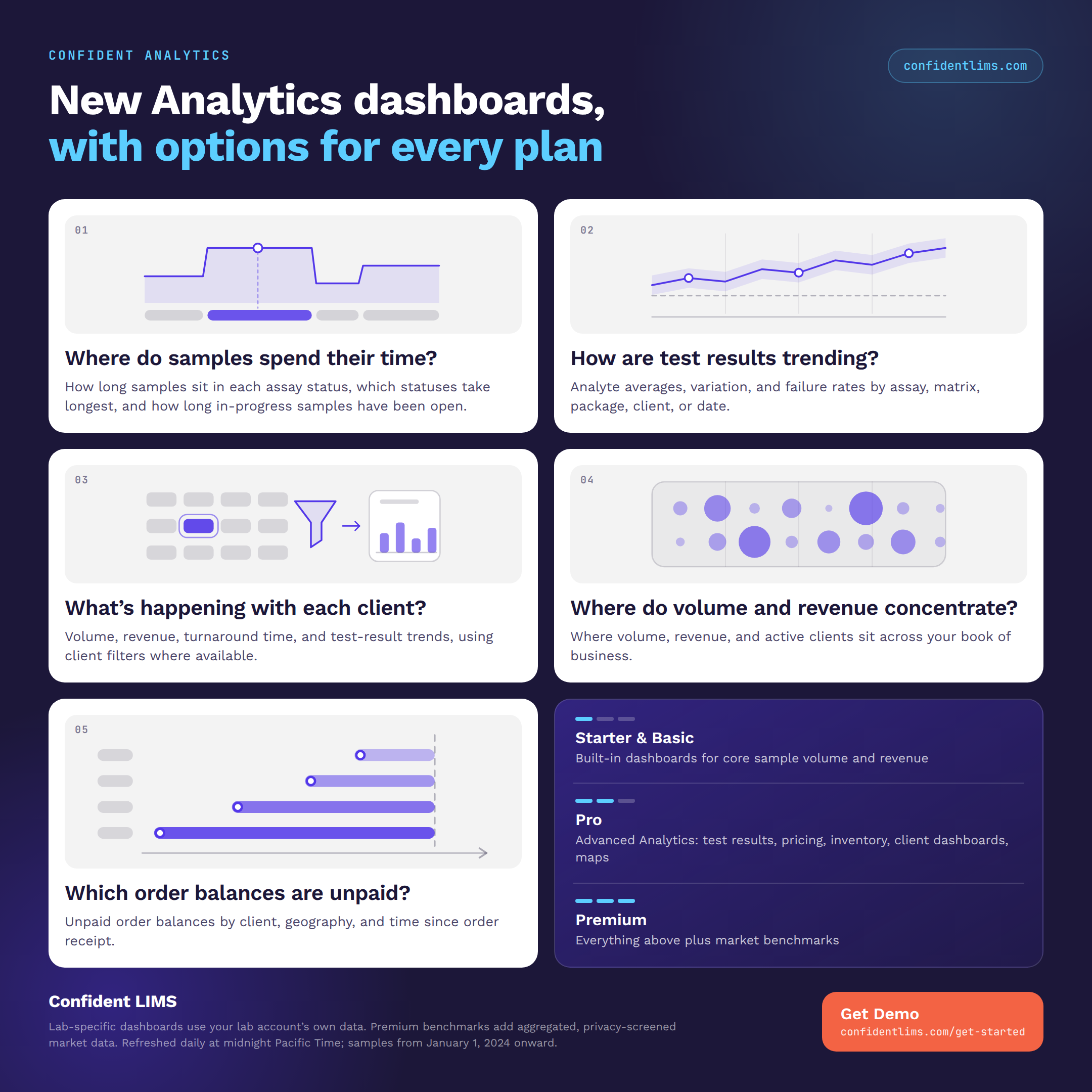
New Analytics dashboards in Confident LIMS: turnaround time, test-result trends, client activity, benchmarks, unpaid order balances. Options on every plan.
READ MORE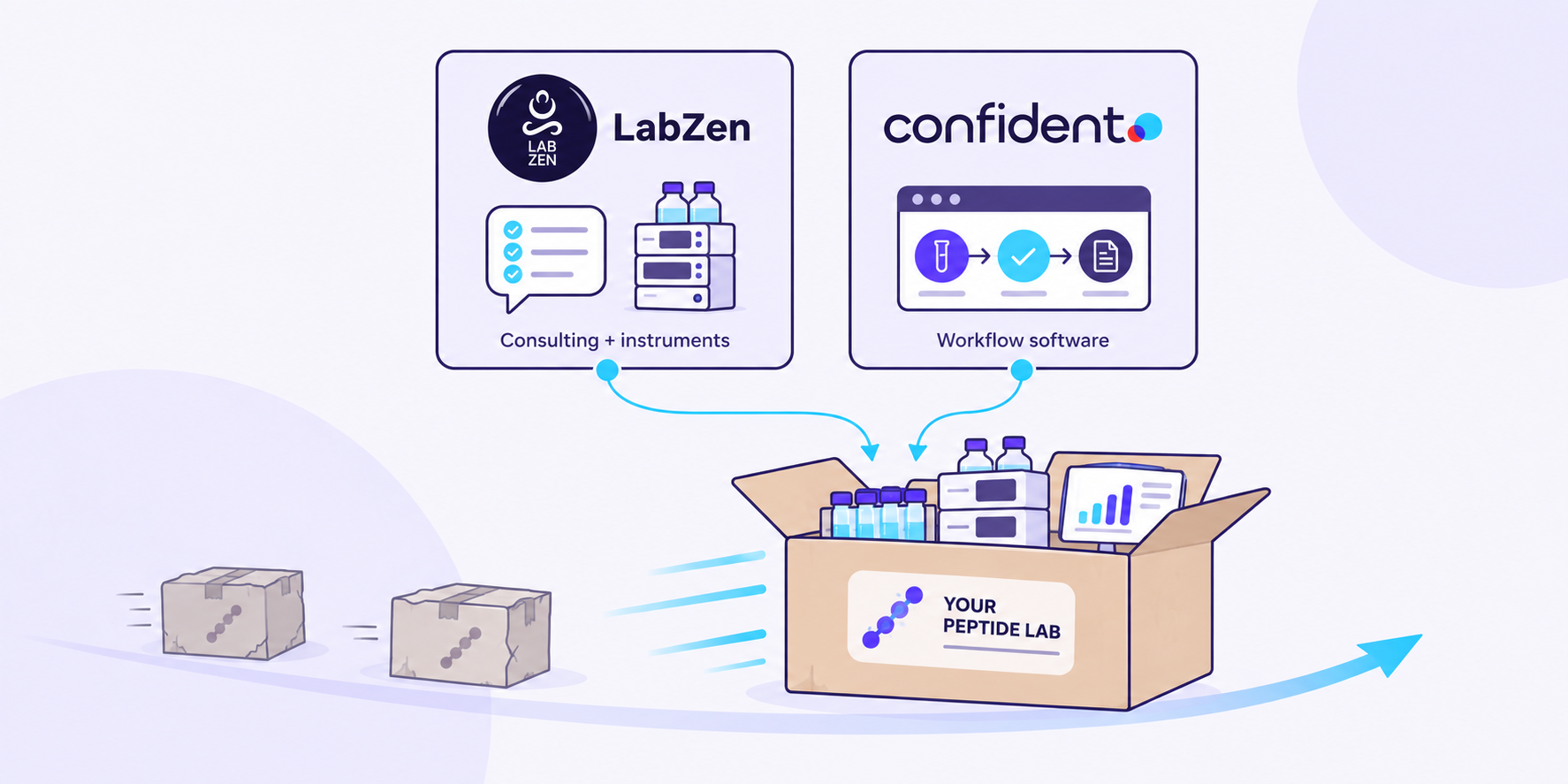
Confident LIMS and Lab Zen are partnering to help peptide labs plan instruments, methods, and the sample-to-COA workflow together.
READ MORE
Analytics dashboards are now live in the Confident Client Portal: free Volume dashboards for everyone, plus 19 advanced dashboards for Client Pro.
READ MORE


