New Lab Analytics Dashboards, With Options for Every Plan
New Analytics dashboards in Confident LIMS: turnaround time, test-result trends, client activity, benchmarks, unpaid order balances. Options on every plan.
READ MORE
Most LIMS pricing ends in "contact us." Here's the real total cost of ownership for a regulated lab — all six components, with sources.


Most LIMS pricing pages end with two words: "contact us." That's not pricing — that's the start of a sales cycle. If you run a regulated testing lab, you deserve a real answer before you ever book a call.
🎧 Prefer to listen? Here's the full audio version of this article:
A cloud LIMS typically runs $40 to $300 per user, per month; an on-premise system runs $50,000 to $250,000+ upfront, before implementation (QBench, 2026). But the sticker price is the smallest part of the story. The number that actually matters is total cost of ownership — license plus implementation, data migration, validation, integrations, and yearly maintenance over a three-to-five-year horizon. Most labs underestimate that total by 30 to 50% because they only look at the subscription (CloudLIMS). For a typical 10-user lab, the cloud subscription alone comes out to roughly $4,800–$36,000 per year; on-premise systems layer implementation, hardware, and services on top of the upfront license.
Most legacy LIMS quotes bury these six line items — ours doesn't, and not every vendor structures them the same way. Knowing them is how you compare vendors honestly.
The headline number. Cloud is usually per-user, per-month; legacy is often a perpetual license with annual maintenance on top.
Confident: Starting at $600/month; average labs pay ~$2,000/month. This is ~95% of what customers pay Confident.
Configuration, workflow setup, and go-live support. With legacy vendors this frequently costs more than the software itself.
Confident: Included — no separate implementation charge.
Moving your historical samples, methods, and results. Budget 30 to 50% more than the initial estimate — integration and migration are the most underbudgeted lines in any LIMS project (Lifepoint).
Confident: Included — no separate migration charge.
For regulated labs, IQ/OQ/PQ and documentation aren't optional. This is a real, recurring cost that consumer-grade pricing pages never show.
Confident: Included — no separate validation charge.
Instruments, accounting, regulatory portals. Instrument and third-party integration is consistently the most underestimated hidden cost (QBench).
Confident: Included — no separate integration or customization charge.
Annual maintenance on a perpetual license typically runs 18 to 25% of the license cost (ITQlick) — every year, indefinitely.
Confident: Typically $5,000–$10,000 during onboarding. Overall less than 5% of total lifetime cost with Confident.
Enterprise legacy systems carry contracts that often start above $50,000 upfront and reach a $100,000–$200,000+ total cost once training, development, and implementation are counted (QBench). Over a 5-year lifetime, total cost of ownership commonly lands at 2.5 to 4x the license price. That's the math behind the quotes you can't see until you're deep in procurement.
Here's the line item that never makes the spreadsheet. When a LIMS charges per user, labs ration seats. Analysts share logins to avoid buying another seat. In a regulated environment, shared logins quietly break your audit trail — you can no longer prove who did what. The "savings" from one fewer seat can cost you a finding during an inspection. Pricing that punishes you for adding people is pricing that works against compliance.
On-premise means a large upfront capital outlay plus servers, IT staff, and your own validation burden. Cloud spreads cost over a subscription and moves infrastructure and uptime to the vendor. For most growing testing labs, the five-year total favors cloud — not because the monthly number is smaller, but because the hidden lines (infrastructure, IT headcount, upgrade projects) shrink.
Confident publishes its pricing. It's volume-based — indexed to the samples you run, with unlimited users on every plan. That design exists for a reason: your cost should scale with your lab's throughput, not with how many people you let log in. No per-seat rationing, no broken audit trail, no surprise quote at the end of a sales cycle. Onboarding runs 2 to 6 weeks, and support responds same-day — two lines that keep the "services" side of your TCO structurally lower. See the real numbers at confidentlims.com/pricing.
🎧 Short on time? Here's the podcast brief:
How much does a LIMS cost per user per month? Cloud LIMS generally runs $40–$300 per user per month (QBench, 2026). Volume-based platforms like Confident price on sample throughput instead, with unlimited users.
What's the total cost of ownership over five years? License plus implementation, migration, validation, integrations, and maintenance — commonly 2.5–4x the license price for legacy systems, and routinely 30–50% above the subscription-only estimate (CloudLIMS).
What are the hidden costs? Data migration, IQ/OQ/PQ validation, and instrument integrations — integration being the most underbudgeted (Lifepoint).
Is cloud cheaper than on-premise? Usually over five years, once infrastructure, IT staffing, and upgrade projects are counted — even when the monthly line looks higher.
Want a real number for your lab instead of a range? Get Demo.
Let's share!
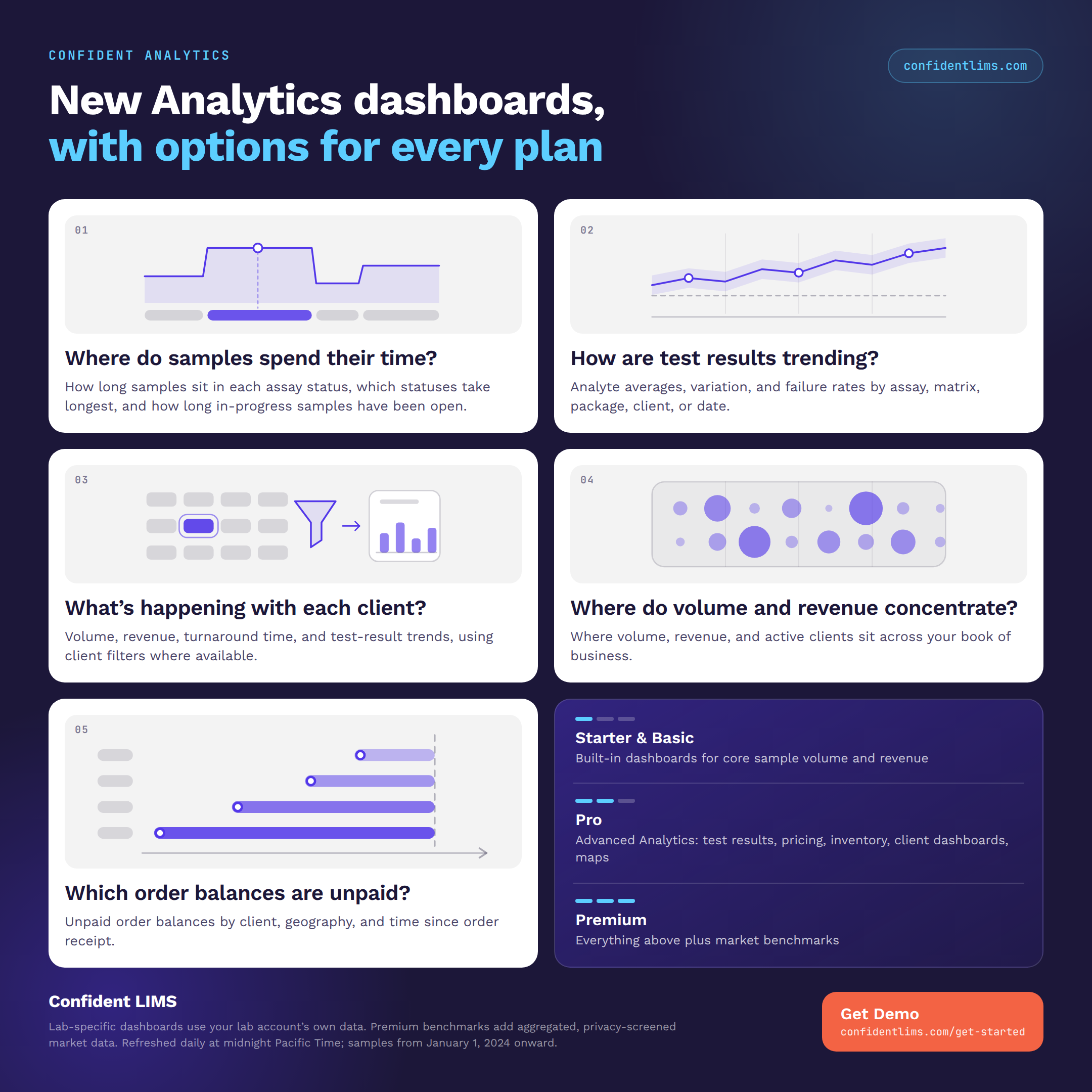
New Analytics dashboards in Confident LIMS: turnaround time, test-result trends, client activity, benchmarks, unpaid order balances. Options on every plan.
READ MORE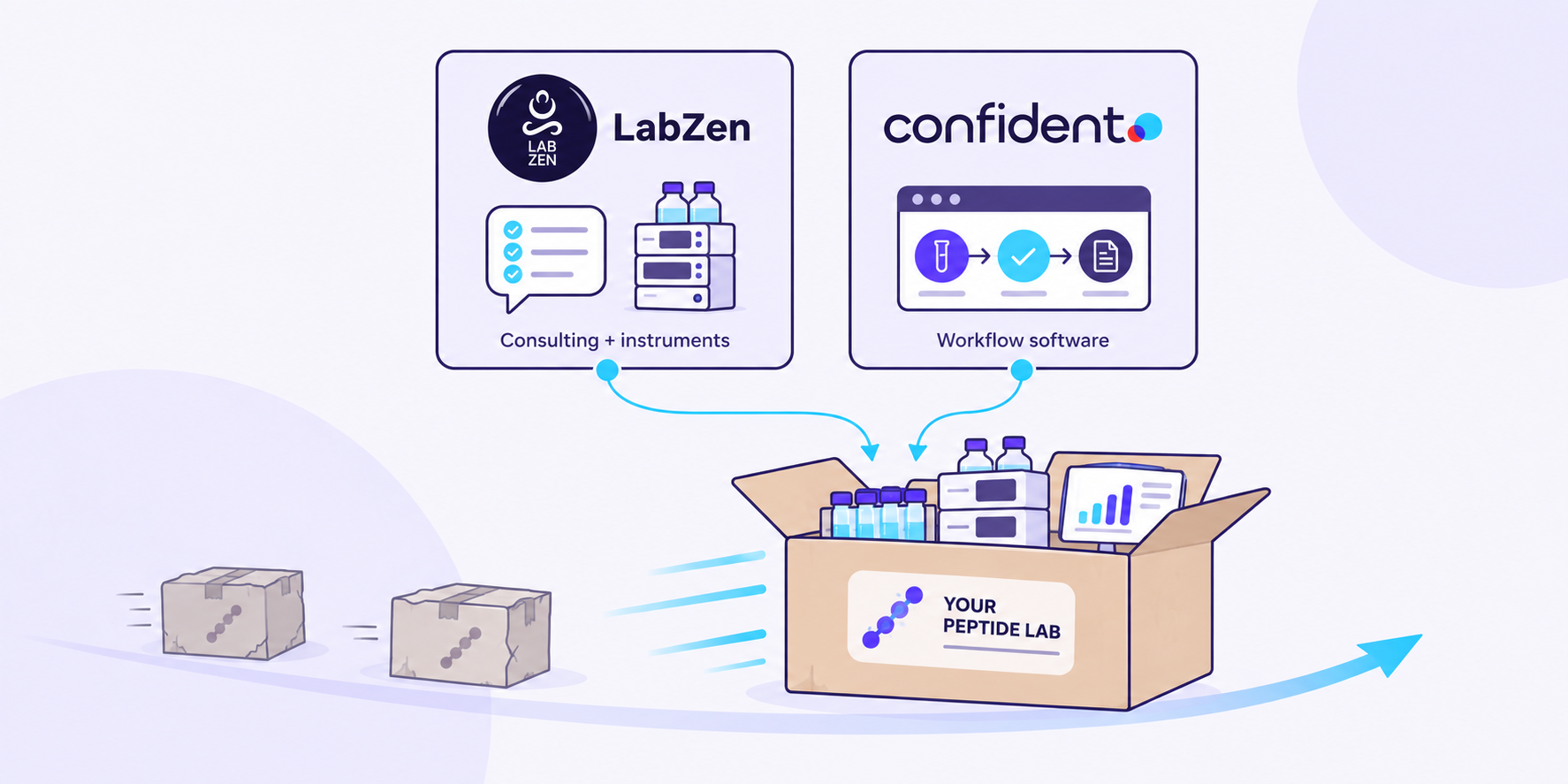
Confident LIMS and Lab Zen are partnering to help peptide labs plan instruments, methods, and the sample-to-COA workflow together.
READ MORE
Analytics dashboards are now live in the Confident Client Portal: free Volume dashboards for everyone, plus 19 advanced dashboards for Client Pro.
READ MORE


